Look, I’ve spent hours in the editing suite so you don’t have to—and if there’s one thing I’ve learned editing fitness content for short-form platforms, it’s this:
Your workout isn’t what makes the video epic. Your pacing does.
Most gym videos fail because they show effort… but not impact.
Here is the real talk about high-retention editing:
Speed ramps are not just a “cool effect”—they are a visual representation of power, intensity, and progression.
In 2026, creators are combining cinematic pacing with AI tools like CapCut, Runway, and Sora to turn simple gym clips into explosive, viral content.
And yeah—this is exactly the editing system used by creators on vfxcut.xyz to make fitness videos feel like movie trailers.
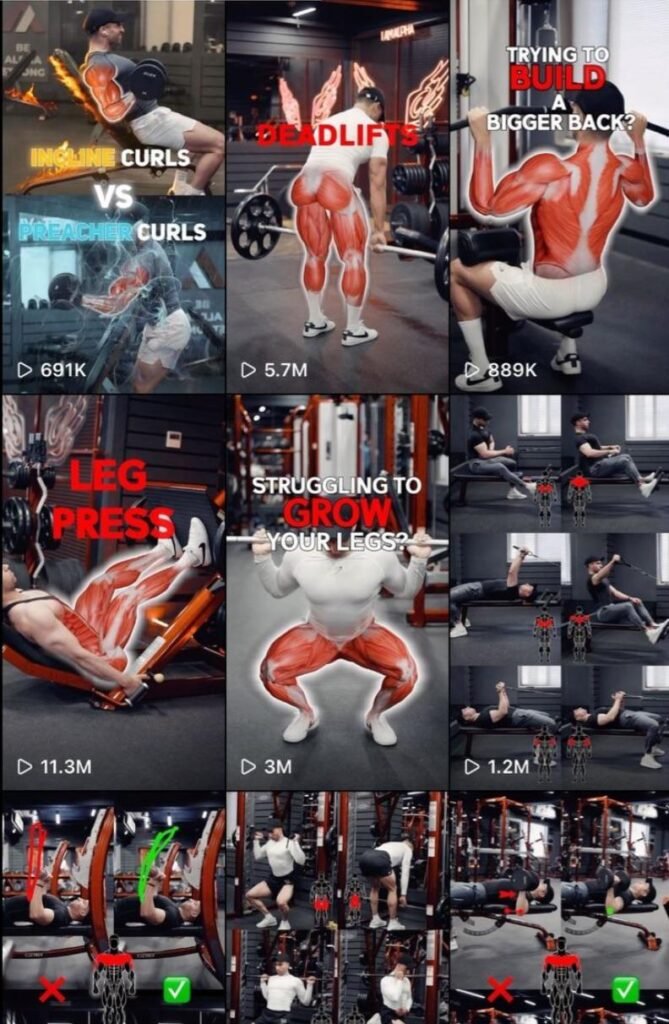
Why Speed Ramps Work So Well in Gym Videos
Gym content is naturally repetitive:
- Lift
- Drop
- Repeat
Without editing, it feels flat.
Speed ramps fix this by:
- Emphasizing effort
- Highlighting impact moments
- Creating rhythm and energy
They turn ordinary reps into cinematic highlights.
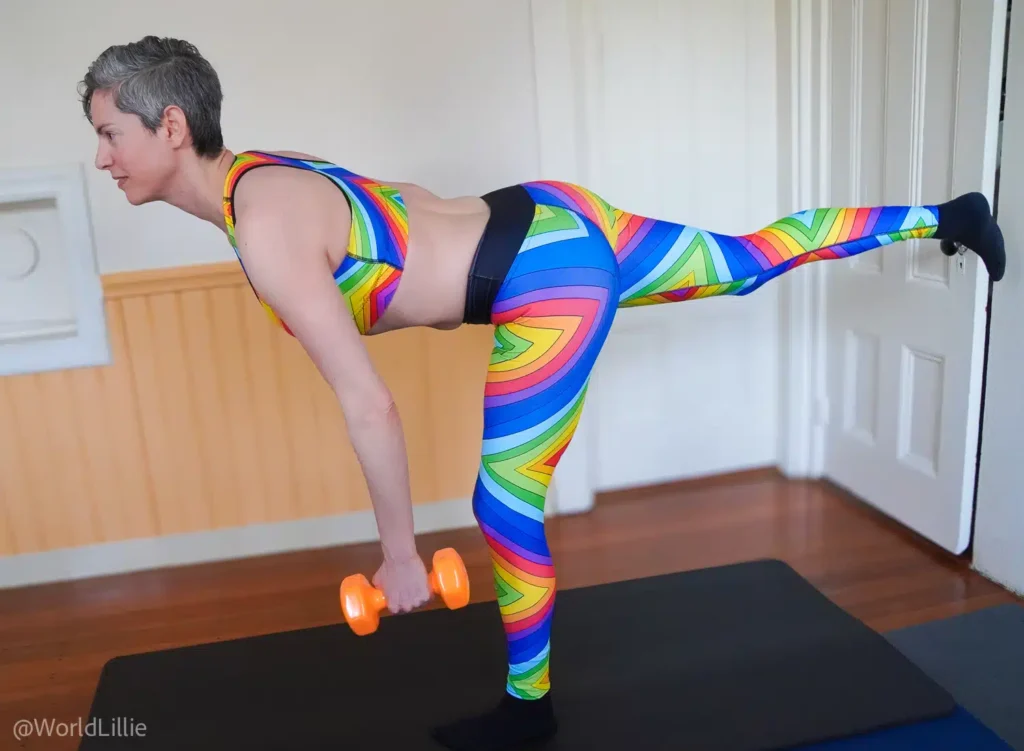
The Psychology Behind Speed Ramps
Speed ramps manipulate perception:
- Slow motion = power, tension
- Fast motion = intensity, speed
- Transition between both = emotional spike
This creates:
- Engagement spikes
- Retention boosts
- Visual satisfaction
Best Tools for Speed Ramp Editing (2026)
CapCut
- Easy speed curve editor
- Keyframing support
- Mobile-friendly workflow
Runway
- AI motion smoothing
- Scene enhancement
- Auto pacing adjustments
Sora
- Cinematic motion generation
- AI-assisted scene transitions
Premiere Pro / After Effects
- Advanced speed remapping
- Precision control
- Professional grading workflows
Comparison Table: Speed Ramp Editing Tools
| Tool | Ease of Use | Speed Control | Best For |
|---|---|---|---|
| CapCut | ⭐⭐⭐⭐⭐ | ⭐⭐⭐⭐ | Fast gym edits |
| Runway | ⭐⭐⭐⭐ | ⭐⭐⭐⭐⭐ | AI enhancement |
| Sora | ⭐⭐⭐ | ⭐⭐⭐⭐⭐ | Cinematic visuals |
| Premiere Pro | ⭐⭐⭐ | ⭐⭐⭐⭐⭐ | Pro-level control |
Step-by-Step: How to Make Gym Workout Videos Look Epic with Speed Ramps
Let’s build the exact workflow professionals use.
Step 1: Record with Speed in Mind
Before editing:
- Film in high FPS (60–120fps)
- Capture full motion reps
- Keep camera stable
This gives you flexibility in post.
Step 2: Identify Impact Moments
Look for:
- Peak lift
- Muscle contraction
- Explosive movement
These are your ramp points.
Step 3: Cut at Motion Peaks
Inside CapCut:
- Cut at the moment of highest intensity
- Align clips with movement direction
This makes ramps feel natural.
Step 4: Apply Speed Ramping (The Core Technique)
Now the magic:
- Slow motion during setup
- Rapid speed during lift
- Slow again at peak contraction
This creates cinematic tension.
Step 5: Add Keyframing for Motion Flow
Use keyframing to:
- Smooth speed transitions
- Stabilize movement
- Add subtle zooms
This prevents robotic speed shifts.
Step 6: Sync with Audio Beats
Speed ramps MUST match audio:
- Slow motion on buildup
- Fast motion on beat drop
- Impact sound on lift
This is where retention spikes.
Step 7: Apply Cinematic Color Grading
Use color grading to:
- Increase contrast
- Deepen shadows
- Enhance muscle definition
This makes physique pop visually.
Step 8: Add AI Enhancement (Optional but Powerful)
Use Runway to:
- Smooth motion artifacts
- Enhance lighting
- Stabilize footage
Use Sora for:
- Cinematic transitions
- AI motion interpolation
Speed Ramp Settings Checklist
Before exporting:
- High FPS footage used: ✔
- Ramp points aligned with motion: ✔
- Keyframing smooth: ✔
- Audio synced: ✔
- Color grading applied: ✔
- No jitter in motion: ✔
- Flow feels natural: ✔
Best Speed Ramp Styles for Gym Videos (2026)
1. Explosive Lift Ramp
- Slow prep → fast lift → slow hold
Creates maximum impact.
2. Beast Mode Ramp
- Fast montage → slow-motion highlights
Perfect for hype edits.
3. Pulse Ramp
- Repeating slow-fast cycles
Builds rhythm and intensity.
4. AI Motion Ramp
Using Runway:
- Auto-detect motion peaks
- Smooth transitions
High-Retention Gym Editing Techniques
1. Micro Ramps Every 2–3 Seconds
Don’t keep pacing static.
Add:
- Small speed shifts
- Subtle zooms
- Movement variation
2. Invisible Transitions
Best edits don’t feel edited.
Use motion continuity instead of flashy cuts.
3. Sound-Driven Editing
- Grunt on lift
- Beat drop on impact
- Whoosh on speed shift
Sound = emotional trigger.
4. Contrast Editing
Alternate:
- Slow powerful moments
- Fast explosive reps
This keeps viewers engaged.
Common Mistakes (Avoid These)
Let me save your time:
- Overusing extreme speed changes
- Ignoring audio sync
- Poor lighting in footage
- Random ramp timing
Also—don’t apply speed ramps without purpose. That’s the fastest way to kill cinematic feel.
Advanced Workflow: Epic Gym Edit System
Here’s what pro creators do:
- Record high FPS gym footage
- Select impact moments
- Cut at motion peaks
- Apply speed ramps
- Add keyframing refinement
- Sync with powerful audio
- Apply cinematic color grading
- Enhance with AI tools
This workflow turns basic gym clips into viral content.
Final Thoughts (Creative Mentor Mode)
Look—learning how to make gym workout videos look epic with speed ramps isn’t about making edits faster.
It’s about controlling perception of power.
Every speed shift should:
- Highlight effort
- Emphasize impact
- Build energy
If your pacing is right, even a simple dumbbell curl can feel like a movie scene.
And that’s the difference between average content and viral fitness edits in 2026.
Even if your shooting on a phone, this technique can completely change how your audience sees your workouts.
Call to Action
Now it’s your turn.
Take your gym footage and rebuild it using speed ramps, audio syncing, and cinematic grading. Focus on impact moments and smooth transitions.
When done right, your videos will feel instantly more powerful and professional.
And if you want more pro editing workflows, AI breakdowns, and insider VFX secrets, check out vfxcut.xyz—the ultimate hub for short-form creators and VFX enthusiasts.
Your next viral gym video isn’t about lifting heavier.
It’s about making every rep look heavier.